
How Designers Save Time Using Icon Libraries
Learn how designers save time using icon libraries. Improve workflow, reduce repetitive tasks, and build UI faster with structured icon systems.
Apr 16, 2026 • 3 min read
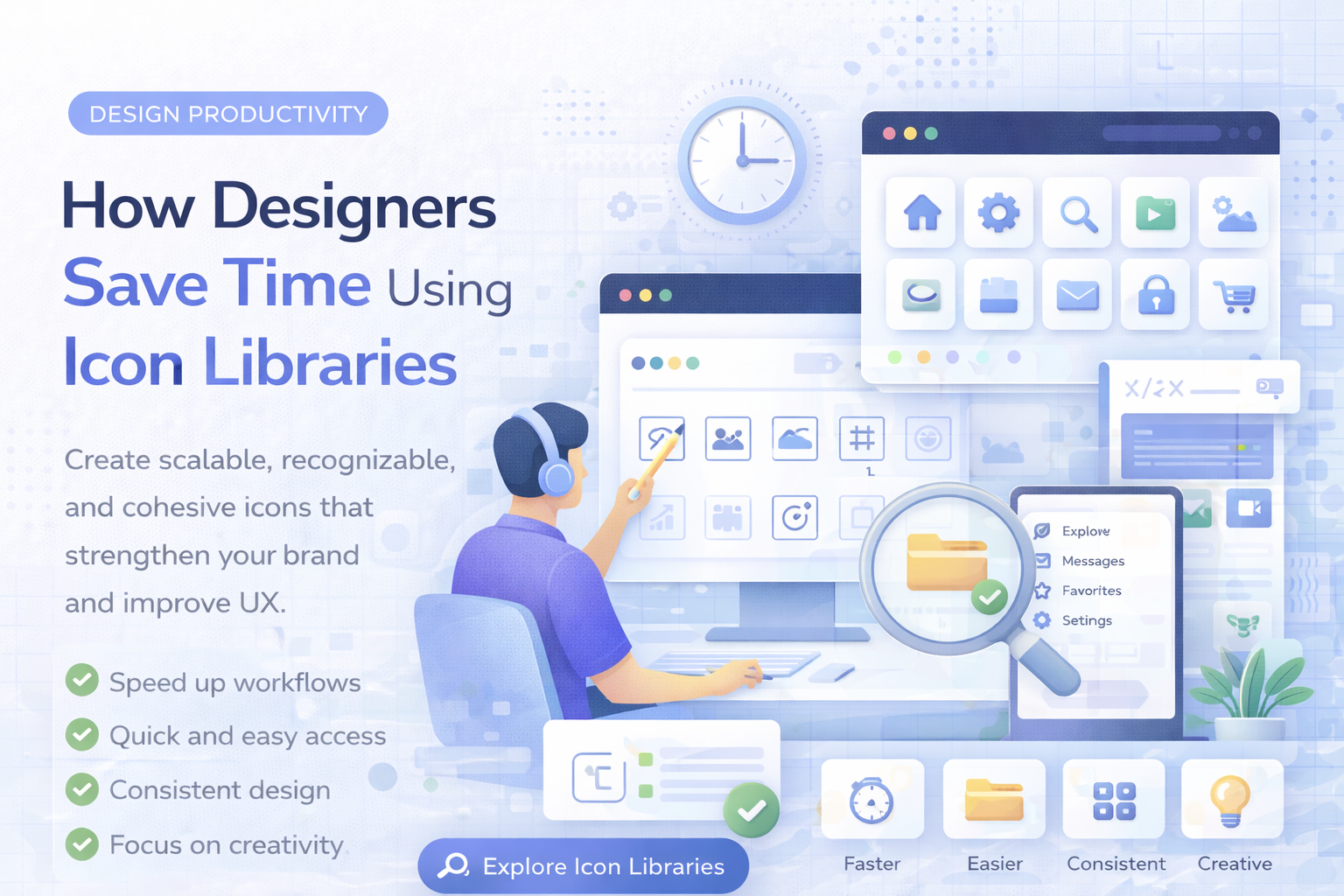
Time is one of the most valuable resources in design. Whether you are working on a website, SaaS product, or client project, small inefficiencies quickly add up.
One of the most overlooked time drains is how designers handle icons.
In this guide, you will learn how icon libraries help designers save time and build better interfaces faster.
The Hidden Time Cost of Icons
At first glance, finding icons seems simple.
But in reality, it involves:
- searching multiple websites
- comparing styles
- downloading files
- resizing and adjusting
- fixing inconsistencies
This process repeats dozens of times in every project.
Over time, it becomes a major productivity bottleneck.
How Icon Libraries Save Time
A structured icon library removes most of this friction.
1. Instant Access to Icons
Instead of searching across different platforms, you can:
- browse categories
- search quickly
- find icons in seconds
This dramatically reduces time spent on asset discovery.
You can explore organized icons in icon categories.
2. No More Style Matching
When using random icons, designers often need to:
- adjust stroke width
- tweak proportions
- match styles manually
With an icon library:
- all icons already match
- no manual adjustments needed
This saves hours across a project.
3. Faster UI Building
When icons are ready to use:
- you can prototype faster
- build layouts quicker
- iterate without delays
This is especially important for:
- SaaS dashboards
- product interfaces
- client projects
4. Reusable Assets
Icon libraries allow you to reuse assets across projects.
This means:
- no need to search again
- faster design iterations
- consistent UI across products
5. Reduced Decision Fatigue
Choosing icons from random sources requires constant decisions:
- which style fits?
- which icon looks better?
- is this consistent?
With a structured library:
- decisions are minimized
- workflow becomes smoother
Less thinking means faster execution.
Real Workflow Comparison
Without an Icon Library
- search icon: 5-10 minutes
- adjust style: 5 minutes
- repeat for each icon
Total: hours lost
With an Icon Library
- search icon: seconds
- no adjustments needed
- consistent results
Total: minimal time
Where Designers Save the Most Time
Icon libraries are especially valuable in:
SaaS UI Design
- dashboards
- navigation
- actions
See examples in technology icons
Business and Client Projects
- presentations
- websites
- admin panels
Browse business icons
Mobile Apps
- navigation icons
- feature icons
- UI components
Consistency and speed are critical here.
Better Workflow Means Better Results
Saving time is not just about speed.
It also improves:
- focus on design decisions
- overall UI quality
- ability to iterate faster
Instead of wasting time on assets, designers can focus on user experience.
Performance and Format Benefits
Icon libraries usually provide optimized formats:
- SVG for web and UI
- PNG for quick use
- EPS for editing
This eliminates extra conversion work.
Learn more here: Best Icon Formats for UI Design
Common Mistakes Without an Icon Library
- wasting time searching
- mixing inconsistent icons
- redesigning UI later
- fixing visual issues repeatedly
These problems slow down projects significantly.
Why Professionals Use Icon Libraries
Professional designers prioritize:
- speed
- consistency
- scalability
A structured icon library supports all three.
Vectizon provides:
- clean and consistent icon styles
- multiple formats (SVG, PNG, JPG, EPS)
- organized categories
Final Thoughts
Using an icon library is one of the simplest ways to improve your workflow.
To summarize:
- saves time on searching
- removes manual adjustments
- speeds up UI development
- reduces design friction
- improves overall quality
If you want to design faster and more efficiently, explore the icon library or check available pricing plans.
The less time you spend on icons, the more time you have to build great products.
Related Articles
Explore by Tags
Popular Categories
Ready to use better icons in your UI?
Download free icons, or unlock unlimited premium packs for product, web, and SaaS workflows.